Compress Image Without Quality Loss
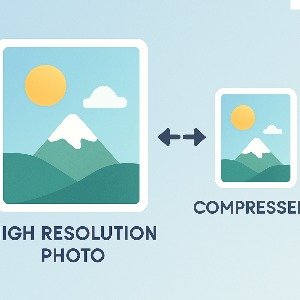
Sometimes you just need to compress an image because it's too large for upload or sharing, but you still want the same clarity and sharpness. Normal compressors reduce pixels or destroy details, but this tool tries to keep the same quality while reducing unnecessary data from the file. So you get smaller size without it looking blurry or pixelated.
Many websites, apps and online forms have upload limits like 200kb, 1MB or sometimes even lower. If your photo is high resolution or taken on a good camera, the file size may be too big. But resizing it usually reduces quality, and no one likes a blurry or pixel breakup image.
With this tool you can compress your image smartly without changing width, height or visible clarity. The algorithm removes extra data like metadata, noise and unused patterns to make file size smaller but still look same.
How to Compress Image Without Losing Quality
- Click on the upload button and select your image file
- Wait for few seconds while optimization runs
- Preview the before/after if needed
- Download your compressed image
It takes only a moment and works directly in your browser, so no privacy worries.
Examples
Typical Size Before vs After
| Original Size | Compressed Size | Quality Loss |
|---|
| 3.5 MB | 900 KB | None |
| 1.2 MB | 450 KB | None |
| 800 KB | 280 KB | None |
| 600 KB | 230 KB | None |
FAQs
Does the resolution change?
No, width and height stays same. Only size is reduced.
Is it truly lossless?
Most images keep same visible quality. Technically small pixel changes may happen, but it's not noticeable.
Which formats supported?
JPG, JPEG and PNG works fine. WebP support may come later.
Pro Tips
Crop extra background if not needed
Use JPG for photos and PNG only for signatures or transparent images
Try saving original image first to avoid repeated compression
If image is huge (like DSLR), resizing before compressing may help
These small steps help in getting best result with minimum file size.