Resize Image in MM - Convert MM to Pixels & Resize Online
Resize your photo to an exact size in millimeters (mm) using this fast and accurate online image resizer. Convert mm to pixel dimensions automatically.
Steps:
- Upload your photo
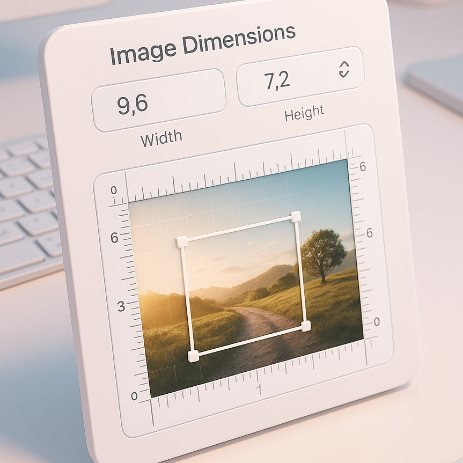
- Select mm tab and enter value in width and height input
- Adjust image in box by dragging and zoomin.
- Download photo
This tool allows you to resize any image based on millimeter (mm) measurements. Many government forms, passport applications, and printing requirements specify photo size in millimeters rather than pixels. This tool converts your required mm dimensions into accurate pixels, using the standard formula:
Pixels = (MM ÷ 25.4) × DPI
You can choose DPI such as 96, 150, 200, 300 depending on your use case. After conversion, simply upload your image and resize it to the exact pixel size with optional file compression.
Examples
Examples (HTML allowed)
Example 1:
Resize image to 35 × 45 mm → Tool converts to 413 × 531 px (at 300 DPI).
Example 2:
Resize photo to 20 × 20 mm → Output becomes 236 × 236 px.
Example 3:
Create 50 × 50 mm passport-style image → 591 × 591 px.
FAQs
How do I resize an image using millimeters?
Enter the required mm dimensions. The tool converts mm to pixels based on DPI and resizes your image accordingly.
Is MM to pixel conversion accurate?
Yes, the tool uses the standard formula: Pixels = (MM ÷ 25.4) × DPI.
Which DPI should I use?
For printing and passport photos, 300 DPI is recommended. For web use, 96 DPI works well.
Can I also compress the image?
Yes, you can set a KB limit such as 50 KB or 100 KB to reduce file size.