Resize Image to Exact Size Online (PX, CM & Inches)
Resize your photo to an exact width and height in pixels, centimeters, or inches. This tool ensures accurate dimensions without losing quality.
Resize your photo to an exact width and height in pixels, centimeters, or inches. This tool ensures accurate dimensions without losing quality.
If you need a picture in a fixed, exact size for an online form, printing, passport, job application, or social media, this tool helps you resize the image with precision.
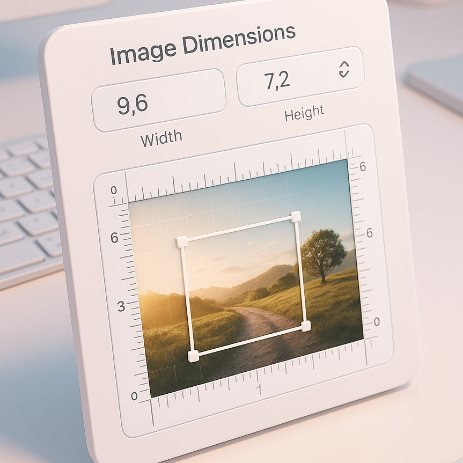
You can enter custom dimensions like 300×300 px, 4×6 cm, or 2×2 inches. The tool instantly resizes your image and maintains the best possible quality. You can also reduce the file size (KB limit) if required.
Whether you need to resize for exams, government portals, ecommerce, or social profiles, this tool supports all formats: JPG, JPEG, PNG, WebP, and more.
Resize photo to 300 × 400 px for an online form.
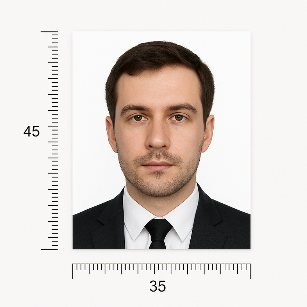
Example 2:Resize an image to 3.5 × 4.5 cm for passport requirements.
Example 3:Resize product image to 800 × 800 px for ecommerce listings.
Upload your photo, enter the exact width and height in PX, CM, or Inches, and download the resized image instantly.
Yes, you can enter dimensions in CM or Inches and the tool will convert them to pixels.
Set the Max KB option (e.g., 100 KB) and the tool compresses the image accordingly.